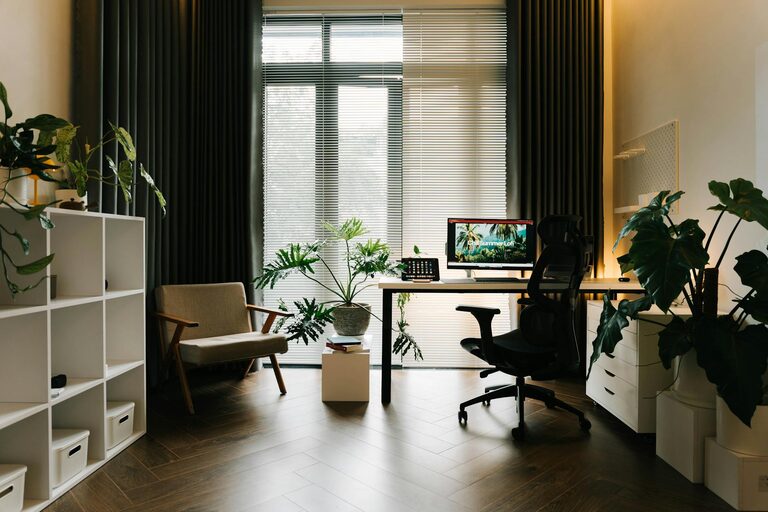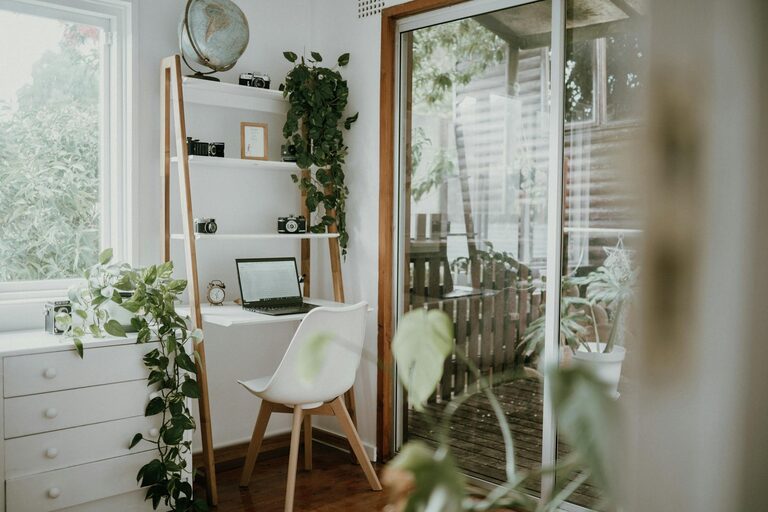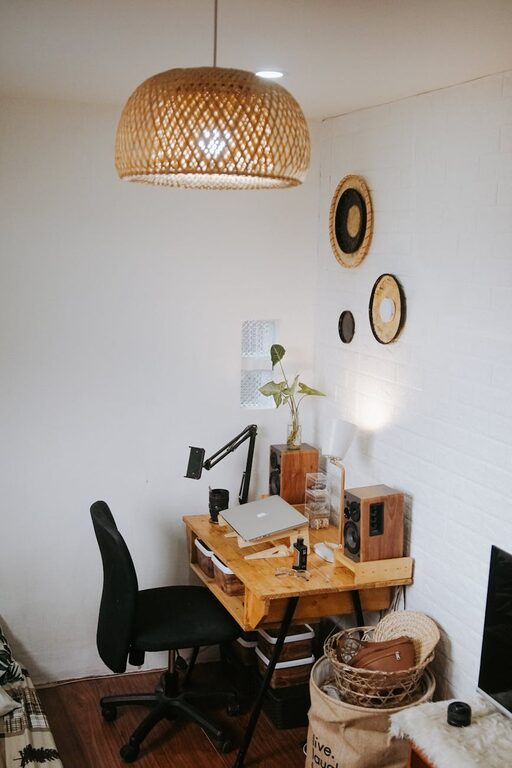
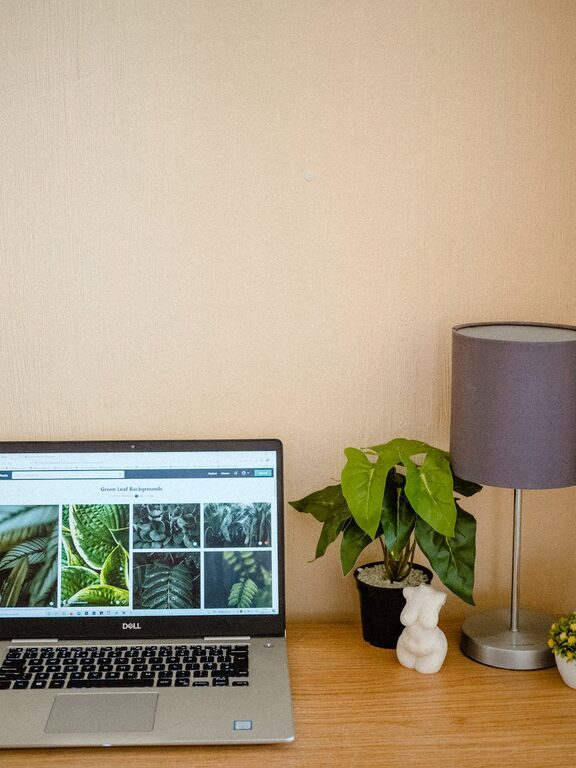
Creating a cozy and functional home office is more important than ever, especially as many of us spend more time working from home. A well-designed workspace can boost productivity, reduce stress, and make your workday more enjoyable. Whether you have a dedicated room or just a small corner to transform, these tips will help you design an office space that feels inviting and efficient.
Choose the Right Location
The first step is to pick the best spot for your home office. Ideally, choose a quiet area with minimal distractions. Consider natural light and ventilation, as well as proximity to power outlets and your internet connection.
– Natural light helps reduce eye strain and keeps you energized.
– Avoid areas with frequent noise, like near a TV or busy hallway.
– If space is limited, use room dividers or screens to create a sense of separation.
Invest in Ergonomic Furniture
Comfort is key when it comes to long hours at your desk. Ergonomic furniture supports your posture and prevents aches.
– Ergonomic chair: Look for adjustable height, lumbar support, and comfortable cushioning.
– Desk height: Your desk should allow your arms to rest at a 90-degree angle while typing.
– Footrest: If your feet don’t touch the floor when seated, a footrest can improve circulation.
Organise for Efficiency
A clutter-free workspace helps improve focus and efficiency.
– Use shelving units or filing cabinets to keep documents tidy.
– Keep frequently used items within arm’s reach.
– Use cable organisers or clips to keep wires neat and prevent tangling.
– Consider digital organisation tools to reduce paper clutter.
Add Personal Touches
A cozy feel comes from personalising your office space. But be careful not to overdo it – too many items can become distractions.
– Add plants for a touch of nature; they improve air quality and mood.
– Choose artwork or photos that inspire you.
– Use cushions, rugs, or curtains to add warmth and texture.
– Select calming colours for walls and accessories to create a relaxing environment.
Smart Lighting Choices
Good lighting reduces fatigue and helps you stay focused.
– Combine natural light with adjustable artificial light.
– Use a desk lamp with adjustable brightness and temperature settings.
– Avoid harsh overhead lights that can cause glare on your screen.
– Consider using warm light tones in the evening to help your body wind down.
Tech Setup and Connectivity
Ensure your technology supports your work needs without frustration.
– Invest in a reliable computer or laptop.
– Use a good-quality monitor to reduce eye strain.
– Arrange your devices ergonomically – keyboards and mouse should be easy to access.
– Have a strong and stable internet connection.
– Use noise-cancelling headphones if you have background noise.
Maintain Work-Life Balance
Even in a home office, it’s important to separate work and personal time.
– Set up clear boundaries for work hours.
– Use an alarm or timer to remind you to take breaks.
– Consider closing the office door at the end of the day.
– Keep your work materials organised so you can quickly pack them away.
Tips for Small Spaces
If you’re limited on space, don’t worry! Small areas can still be functional and cozy.
– Use multi-purpose furniture like desks with storage.
– Mount shelves on walls to save floor space.
– Choose light colours to make the area feel larger.
– Use mirrors to create a sense of openness.
– Keep the workspace simple and uncluttered.
Regularly Refresh Your Space
As your work needs or preferences change, update your office to stay comfortable and motivated.
– Rearrange furniture or décor occasionally.
– Declutter and deep clean the space regularly.
– Upgrade equipment as needed.
– Introduce seasonal elements like different cushions or plants.
—
Creating a cozy and functional home office doesn’t require a big budget or lot of space. Focus on comfort, organisation, and personalisation to make a space where you enjoy spending time and can work efficiently. With these tips, you will design a home office that truly supports your productivity and wellbeing.
About the Author