Creating a home office that balances comfort and productivity can greatly improve your work-from-home experience. Whether you have a dedicated room or just a small corner, setting up a space that feels welcoming and helps you focus is essential. In this post, we will explore practical tips for designing a cozy and productive home office.
Choose the Right Location
Consider Natural Light
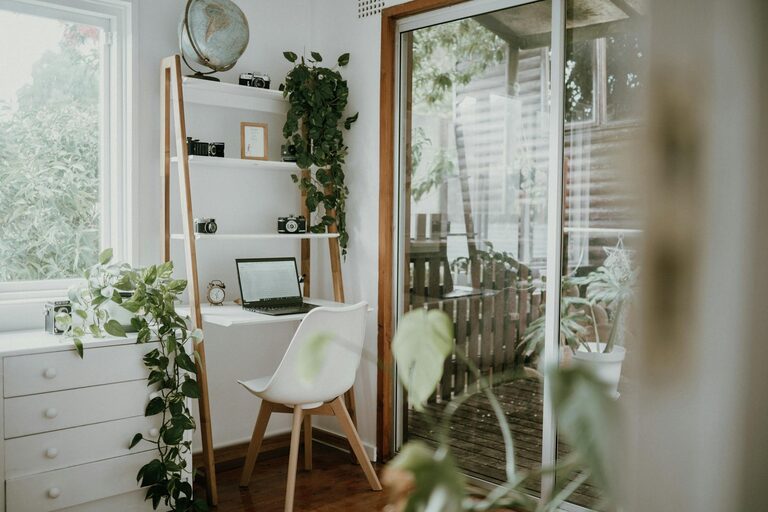
A well-lit workspace can boost your mood and energy. If possible, set up your home office near a window to benefit from natural daylight. This helps reduce eye strain and creates a pleasant atmosphere.
Minimise Distractions
Select a quiet area away from high-traffic household zones. If space is limited, use room dividers or noise-cancelling headphones to create a distraction-free environment.
Invest in Comfortable and Functional Furniture
Ergonomic Chair and Desk
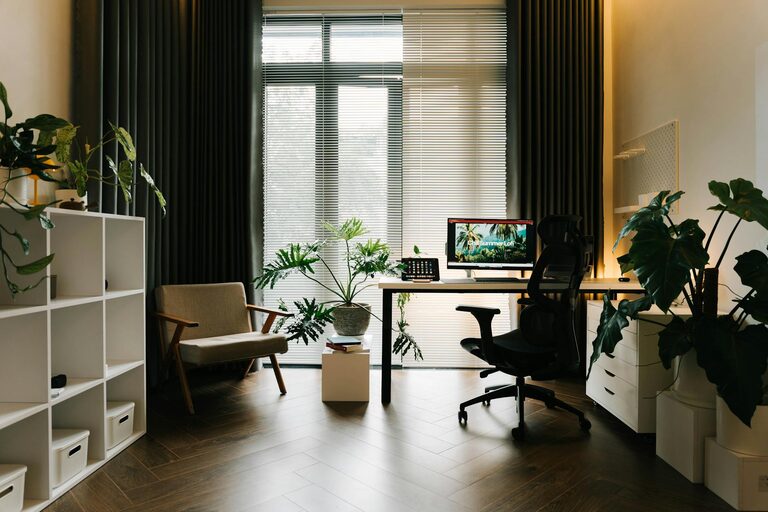
Your chair and desk play a major role in your comfort. Choose an ergonomic chair that supports good posture and a desk at a comfortable height. Adjustable pieces offer flexibility for different tasks.
Use Storage Solutions
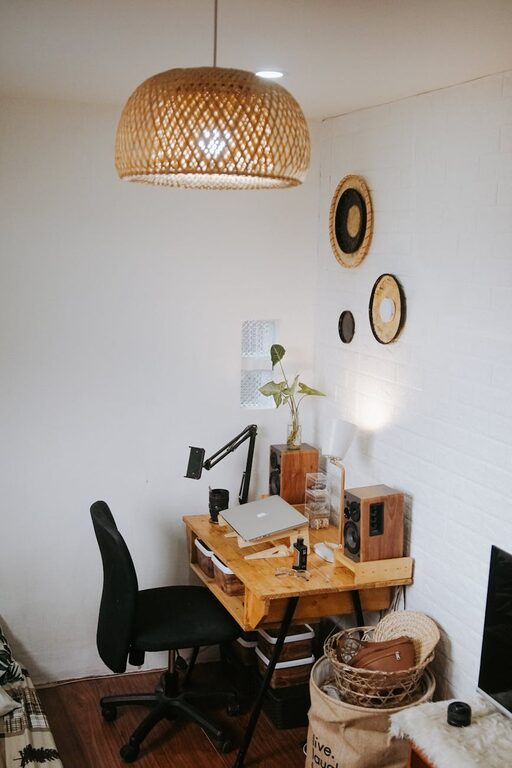
Clutter can hinder productivity. Incorporate shelves, drawers, or filing cabinets to keep paperwork and supplies organised. Use boxes or trays for small items to prevent mess.
Personalize Your Space
Add Cozy Textiles
Soft cushions, a throw blanket, or a small rug can make your office feel warm and inviting. These touches add comfort during long work sessions.
Decorate with Meaningful Items
Include photos, plants, or artwork that inspire and motivate you. Having personal items nearby can enhance your mood and make the workspace uniquely yours.
Optimise Lighting
Combine Different Light Sources
Use a mix of ambient, task, and accent lighting. A desk lamp with adjustable brightness is ideal for focused work, while softer overhead lighting sets a relaxed tone.
Avoid Glare
Position your computer screen perpendicular to windows to reduce glare, and consider using blinds or curtains to control light levels.
Create a Functional Layout
Zone Your Workspace
If your office area is large enough, divide it into zones such as a work desk, reading nook, or brainstorming spot. This variety helps break up the day and keeps creativity flowing.
Maintain Clear Surfaces
Keep your desk tidy and only place essential items within arm’s reach. Clear surfaces reduce mental clutter and improve efficiency.
Incorporate Technology Wisely
Invest in Reliable Equipment
A good-quality computer, keyboard, and mouse reduce frustration and support productivity. Ensure your internet connection is stable and fast.
Manage Cables Neatly
Organise cords with clips, ties, or cable boxes. A neat cable setup prevents tangling and keeps your workspace visually clean.
Set Boundaries and Routines
Define Work Hours
Establish clear work times to separate professional tasks from personal life. Inform family members or roommates about your schedule for better focus.
Take Regular Breaks
Short breaks improve concentration and reduce fatigue. Use reminders or apps to encourage movement and screen breaks throughout your day.
Maintain Comfort and Air Quality
Control Temperature
Keep your workspace warm during colder months and ventilated in hot weather. A small fan or portable heater can help regulate temperature.
Add Plants for Freshness
Indoor plants improve air quality and add natural beauty to your office. Choose low-maintenance varieties like succulents or spider plants.
—
By combining these tips, you can create a home office that feels cozy and enhances your productivity. Remember, your workspace should reflect your personal style while supporting your professional needs. With the right setup, working from home can become both comfortable and efficient.
About the Author